
How to play a lane runner
Your character moves forward automatically. Switch left or right to line up with an open lane, jump over low barriers, and slide under overhead gates. Touch gestures and keyboard controls do the same jobs. The first useful habit is looking ahead instead of watching only your character.
Pick safety before stamps
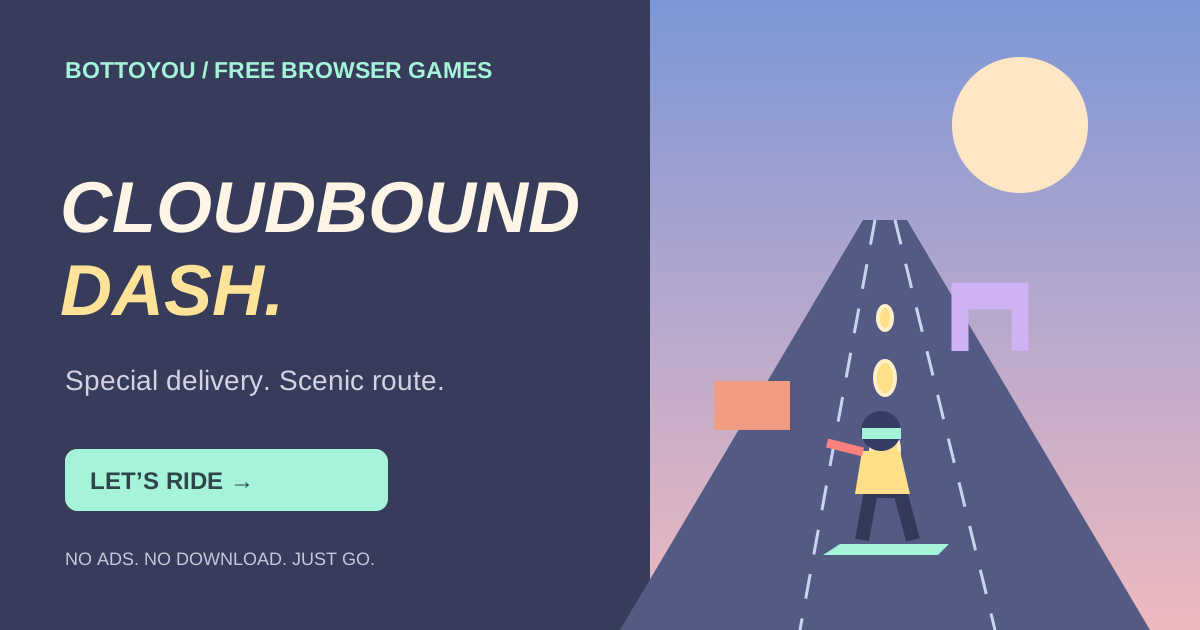
Golden stamps mark the clear lane in each approaching obstacle row. Use them as an early route cue. Check the closest obstacle before changing lanes: a lane that is safe for the next row may still have a hazard directly in front of you. If a pickup would require a late, risky move, let it go and prepare for the next clear route.
Separate the three decisions
A lane change solves a sideways problem. A jump solves a low obstacle. A slide solves an overhead one. When the pace rises, identify the obstacle first, then choose the matching action. Extra swipes made in a hurry can put you in a worse lane than the one you started in.
Build rhythm as the pace rises
Try to make each decision early enough that you have time to see what comes next. Recover toward an open lane after an obstacle instead of repeating the previous move automatically. Pickups can help a run, but reliable timing is what carries from one attempt to the next.
A familiar loop, a different skyline
Subway Surfers is a well-known example of the lane-dodging runner format. Cloudbound Dash uses its own rooftop setting and delivery theme, built for instant browser play. It is a separate original game with no account, ad break or purchase between attempts.
Before you play
Is this an online multiplayer game?
No. Cloudbound Dash is a single-player browser game. You compete with your own runs.
Can I play on mobile and desktop?
Yes. Use touch gestures on a phone or keyboard controls on a computer. The play area stays fixed so a swipe moves your character instead of the page.
Does it save my best score?
The game keeps your best result on this device when browser storage is available. No account is required.